







Most organizations vote with one of two tools that were never built for it.
Survey tools collect answers but cannot weight a vote, verify a voter or hide a
result. Election-only tools handle the ballot but leave the agenda, the
discussion and the meeting itself somewhere else. MeetingPulse was built so
the meeting and the vote happen in one place.
Upload the people who are entitled to vote. Each receives a personal link with a single use access code embedded in it. One code, one ballot. Guests can follow the meeting without ever seeing an open vote.
Configure the ballot the way your bylaws or partnership agreement describe it: by ownership share, by points, by ranked preference, with proxies, with results hidden from the room.
Export who was eligible, who voted and what was counted. On a secret ballot, an auditor role confirms participation without seeing any individual choice.
One meeting can hold several ballots, each with its own method and its own
eligible voters.
Each voter's response counts at the value you assign: units, shares, partnership points or a percentage. View the tally in those units so you can read it directly against your threshold.
Voters order candidates or options by preference. Used for contested board elections and any decision where a simple majority would not reflect what the group actually wants.
Give each voter a set number of points to spread across candidates or options. Covers cumulative voting in multi-seat elections and priority setting across competing proposals.
Where your rules allow it, assign one voter's vote to another before the ballot opens. The proxy holder sees the extra vote value they carry, and every proxy is recorded.
Hide how each person voted and keep totals out of the attendee view until the chair releases them. An auditor can still verify who voted, so the vote is confidential and provable at the same time.
Yes, no and abstain for motions, with abstentions counted separately. Vote-for-up-to-N ballots for multi-seat elections. Write-in candidates where your process allows them.
Voters see their own ballot and a confirmation. The administrator sees the running tally, in vote value or percentages, and decides when to release it. An auditor, often a clerk, a trustee or general counsel, sees exactly who has voted and nothing about how. The exported record carries the same separation.
Results from a vote run on MeetingPulse were challenged in court in British Columbia, Canada, and the result was upheld.
MeetingPulse provides the verified ballot, weighting, proxy support, hidden results, live participation count and exportable record that formal votes call for. Your organization confirms eligibility, quorum, notice and procedure against its own governing documents and applicable law. See auditable online voting for a worked example.
Auditor View
Who voted, not how
A. Okafor
Voted
B. Lindqvist
Voted
C. Ramos
not yet
D. Chen (proxy for E. Hale)
Voted
Voted so far
212 of 260
Administrator View
Tally in vote value
Yes
1,684
No
402
Abstain
96
Results to voters
Hidden
Ballot
Open
Most voting tools make you rebuild the voter list for every
ballot. That is where errors start. MeetingPulse keeps the list as a
working roster you maintain all year.
| Name | Vote value | Group | |
|---|---|---|---|
| A. Okafor | a.okafor@… | 12 | Equity |
| B. Lindqvist | b.lindqvist@… | 18 | Equity |
| C. Ramos | c.ramos@… | 9 | Equity |
| D. Chen | d.chen@… | 15 | Equity |
| F. Adeyemi | f.adeyemi@… | 0 | Income |
Members do not leave the meeting to vote, and members who miss the
meeting still get a ballot.
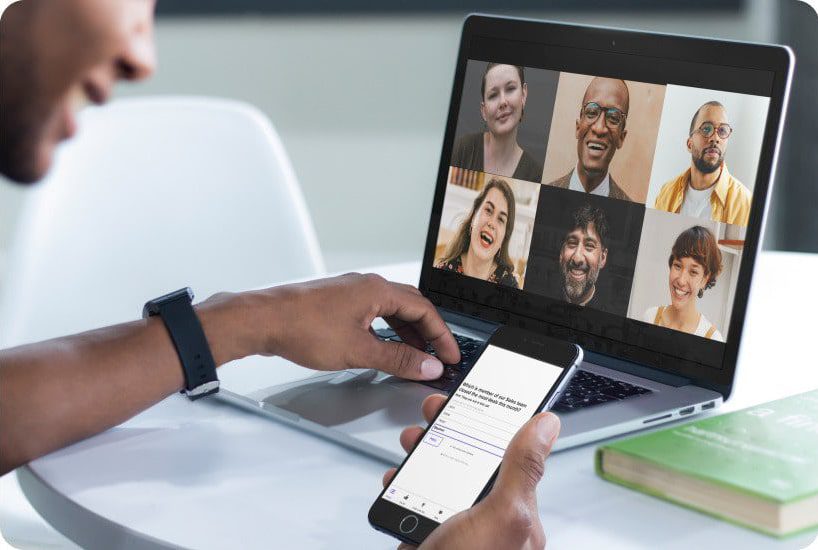
The same ballot in Microsoft Teams and Webex. People in the room scan a QR code on screen or use mobile ballot voting from their own phones. One result, no second count.
The rules that govern a vote are different in a homeowners association,
a professional society, a law firm and a congregation. Each page below covers
one of them in its own vocabulary.
Board elections, budget ratification and special assessments for homeowners and condominium associations.
Partner admissions, compensation and governance votes for law firms and accounting firms.
Upload your voter list with vote values and any eligibility columns. Turn on access codes. Create each ballot in advance and keep it closed until the agenda reaches it. For informal sense checks during debate, use real-time polling software in the same meeting, kept separate from the formal vote.